
In 2026, a player who wants to see every corner of Esperia without squinting at a phone screen has a pretty sweet option: running AFK Journey on PC with BlueStacks. The game is already known for its gorgeous visuals and engaging RPG gameplay, but mobile players are usually locked into portrait mode. On a phone, that is no big deal. On a PC monitor, however, portrait mode leaves a huge amount of screen real estate on the table. That is where landscape mode on BlueStacks comes in, and for many players, it is a total game-changer. It gives the adventure a broader, more cinematic view, and it pairs nicely with smoother performance and better control. A gamer does not need to be a tech wizard to make the switch, either. A few clicks are enough to turn the experience from cramped to crystal clear.
Why Landscape Mode Is a Big Win
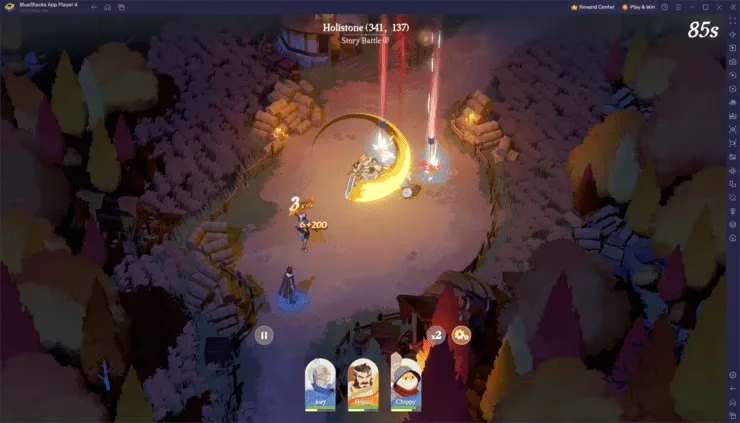
Landscape mode is not just a cosmetic tweak. AFK Journey is packed with detailed environments, flashy battle animations, and layered menu systems, and all of that benefits from more screen space. When players switch to landscape mode, the game opens up. The world of Esperia feels wider, the animations look sharper, and battles become easier to read at a glance. Instead of feeling like a phone game squeezed onto a monitor, AFK Journey starts to feel like a proper PC RPG experience.
There is also a practical side to this. More screen area means menus are easier to navigate, hero management feels less cramped, and resource tracking becomes less of a headache. In a game where strategy matters, that extra breathing room is no small thing. Players can keep a better eye on enemy movements, plan their next move, and manage their team without constantly scrolling or pinching. It is the kind of quality-of-life upgrade that sounds minor on paper but feels like night and day in practice.
A Smoother, More Immersive Experience
BlueStacks also gives players the horsepower to enjoy AFK Journey at higher frame rates, and the reference point here is 60 FPS. When the game runs smoothly and the view is wide, every battle and exploration session feels more immersive. The animations pop, the controls respond cleanly, and the whole experience feels smooth as butter. For RPG fans who like to soak in the scenery and still keep their tactical wits about them, that combination is hard to beat.
A quick comparison makes the difference obvious:
| Feature | Portrait Mode on Mobile | Landscape Mode on BlueStacks |
|---|---|---|
| Screen space | Limited | Much wider |
| Visual detail | Good, but cramped | Sharper and more detailed |
| Menu access | More scrolling | Easier navigation |
| Battle awareness | Narrower view | Broader tactical view |
| Overall feel | Phone-first | PC-friendly and cinematic |
Switching Over Is No Sweat
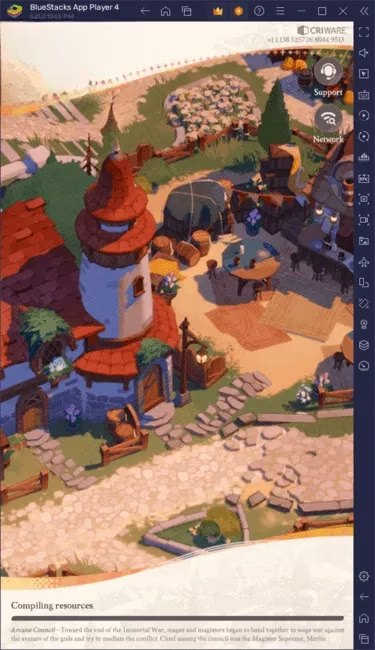
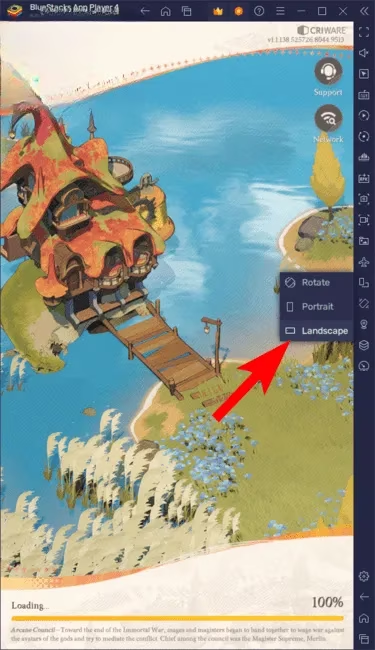
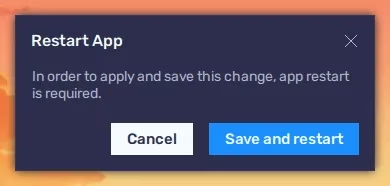
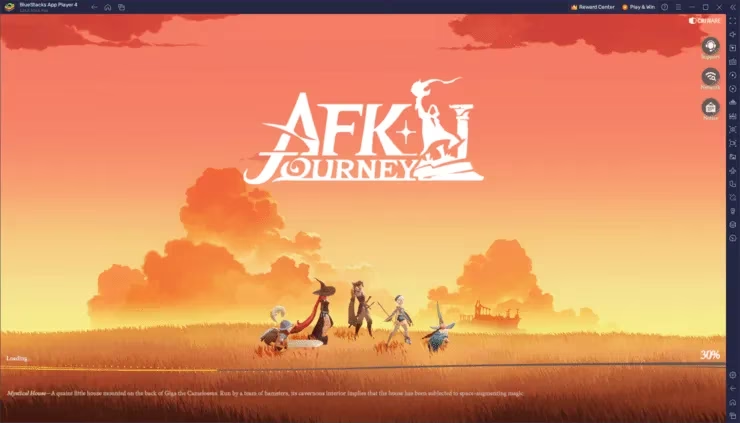
One of the best parts is that players do not need to jump through hoops. The setup is simple, and the switch itself takes only a few steps. A player launches AFK Journey on BlueStacks, uses the landscape mode option in the emulator, rotates the display, and jumps right back into Esperia. The reference images show the process clearly, and the whole thing is about as plug-and-play as it gets. No complicated workarounds, no weird settings rabbit hole, and no need to sacrifice the game's polish.
The Bottom Line for RPG Fans
For players who want more from AFK Journey than a narrow phone view, landscape mode on BlueStacks is a smart move. It delivers more visual clarity, better control, and a more immersive way to explore Esperia. In 2026, PC players have plenty of options, but this is one of those simple tweaks that gives a lot of bang for the buck. It is not about changing the game itself. It is about giving the game room to breathe. And once a player sees AFK Journey in full landscape glory, going back to a cramped portrait view can feel like a step backward. 🎮✨
Leave a Comment
Comments